



SHOPPING
In the shopping you already do,
and a data benefit too
Your usual shopping, plus rewards




If this month's data is running low
Fill up your data with points from shopping, subscriptions, and delivery.
Turn points from shopping, subscriptions, and delivery in DAYDUCK into the Korea data you're short on, with no extra payment.
EVERYDAY DATA
SHOPPING
Your usual shopping, plus rewards
SUBSCRIPTION
Spend less on subscriptions, stack Duck Points

DELIVERY
Delivery orders, and Duck Points on top
My Dayduck




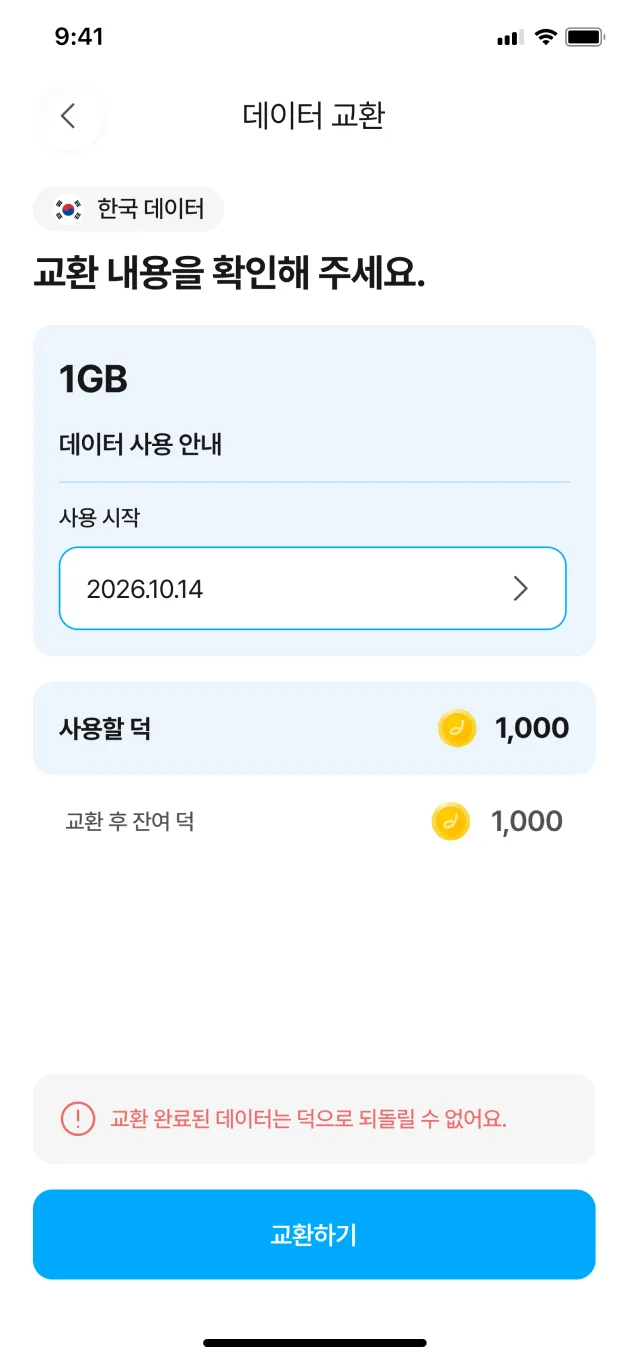
1,000
Points you exchange when you're short on data.


Korea data
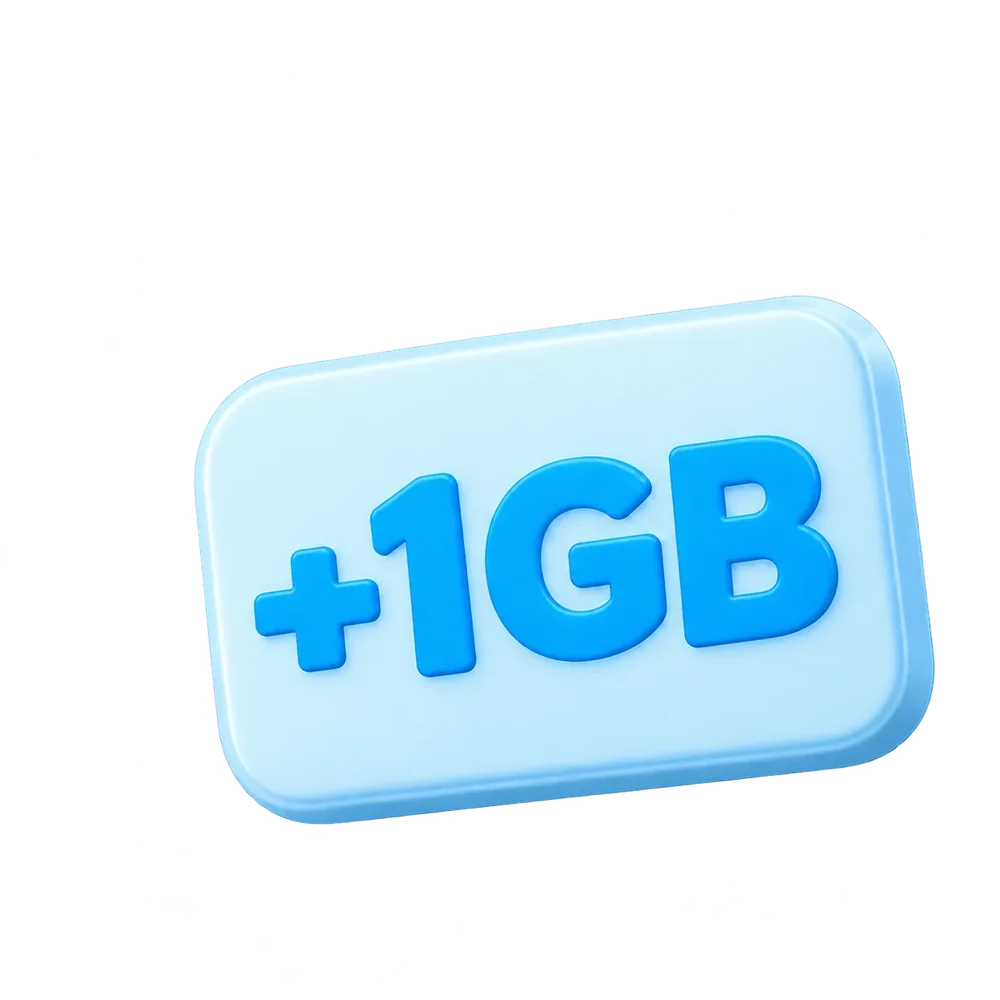
1GB
Exchange complete



















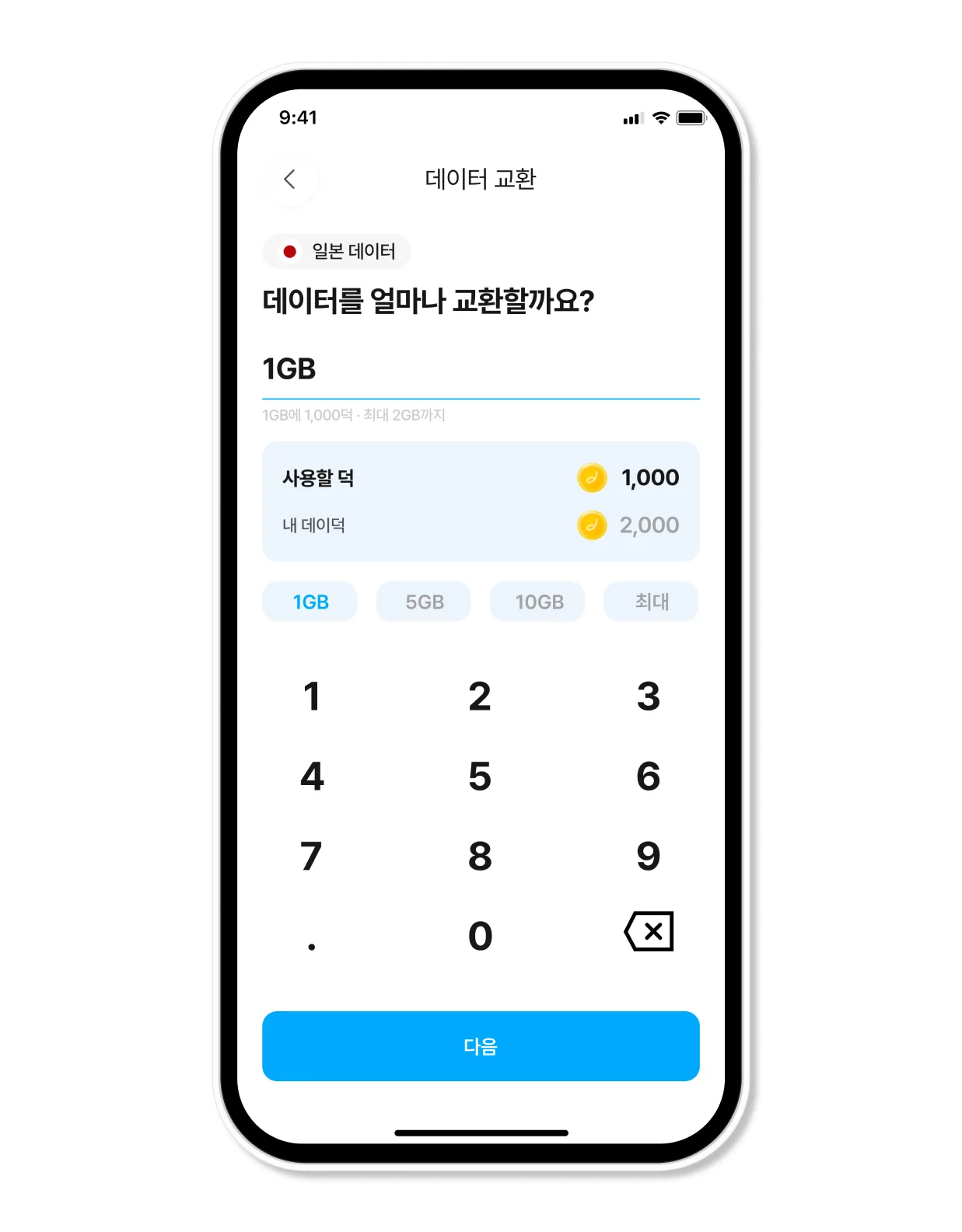
When you need data
Pick as much as you need and exchange points for it.
0GB
0GB
When you need data
Pick as much as you need and exchange points for it.
Choose Korea data and an amount
Check the Duck required and the terms

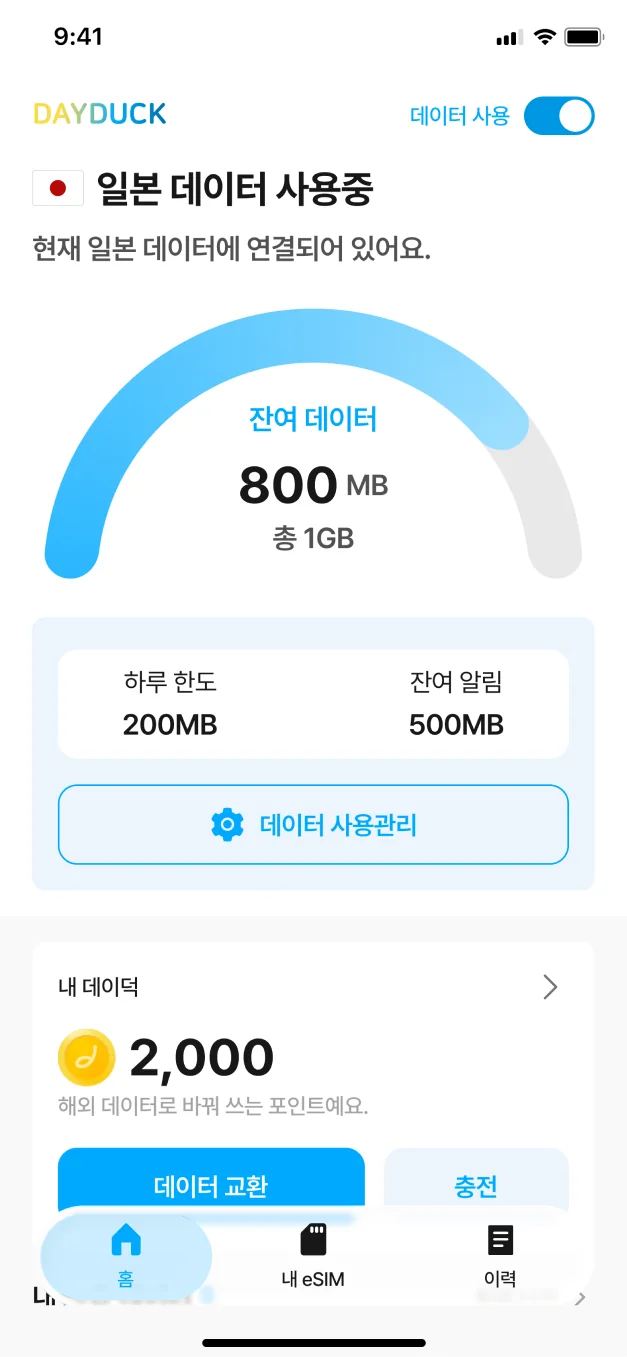
In use at home
Check the data you have left,
Set an alert for the amount you want left.
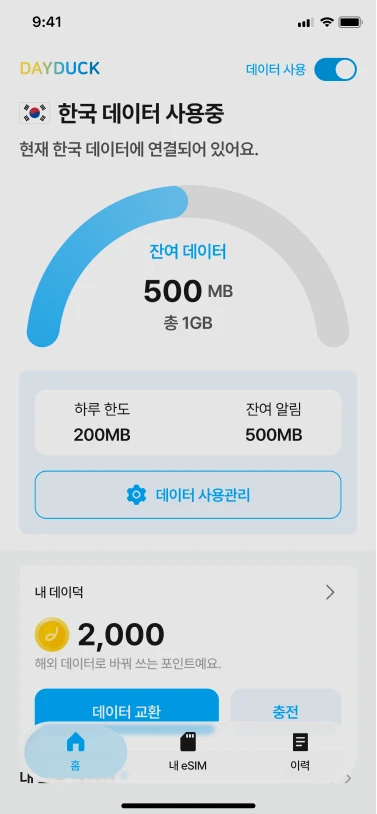 Korea data
Daily usage limit
It pauses when today's usage hits the limit.
Low-data alert
We'll let you know when it reaches the level you set.
You can set up to 5.
2/5

DAYDUCK
(Today) 09:47
500 MB of data left!
In use at home
Check the data you have left,
Set an alert for the amount you want left.
DAYDUCK
(Today) 09:47
500 MB of data left!
Simple eSIM setup
After that, no need to install it again,
Just turn points into data.

Installed
From home to travel
After that, no need to install it again,
Just turn points into data.


F&Q
Check the questions that come up before and during a trip.Before using Korea data, check the questions people ask.

Check that the phone's mobile data line is set to the Dayduck eSIM.
If it still won't connect, join Wi-Fi and contact support with the country you're in and a screenshot of the error.
Don't see your answer?
Leave your question with DAYDUCK support.

Turn saved Duck Points into Korea data and use it more freely day to day.