





When you set off


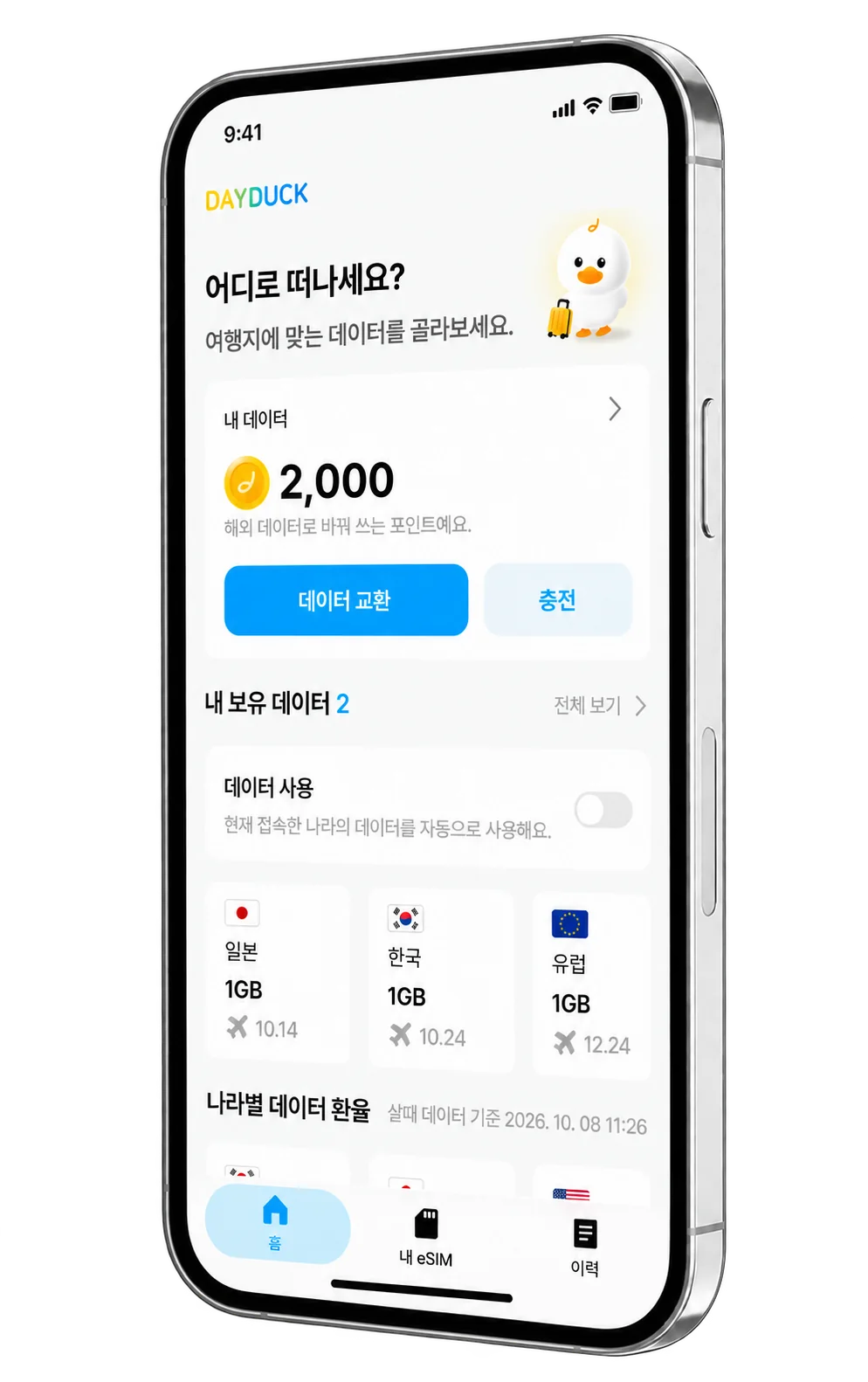




From everyday life to overseas, data is DAYDUCK
Points from shopping, subscriptions, and delivery, turned into data at home and abroad.
From installing the eSIM to checking what's left, all in one place.
In use at home
When you set off
When you go overseas often
When you run low on data at home
EVERYDAY DATA
SHOPPING
Your usual shopping, plus rewards

SUBSCRIPTION
The shows you like, for less

DELIVERY
Prepare travel data with delivery orders

Duck Points

Data at home and abroad

UK data
12GB

Japan data
2GB

US data
4GB



















Korea data
1GB
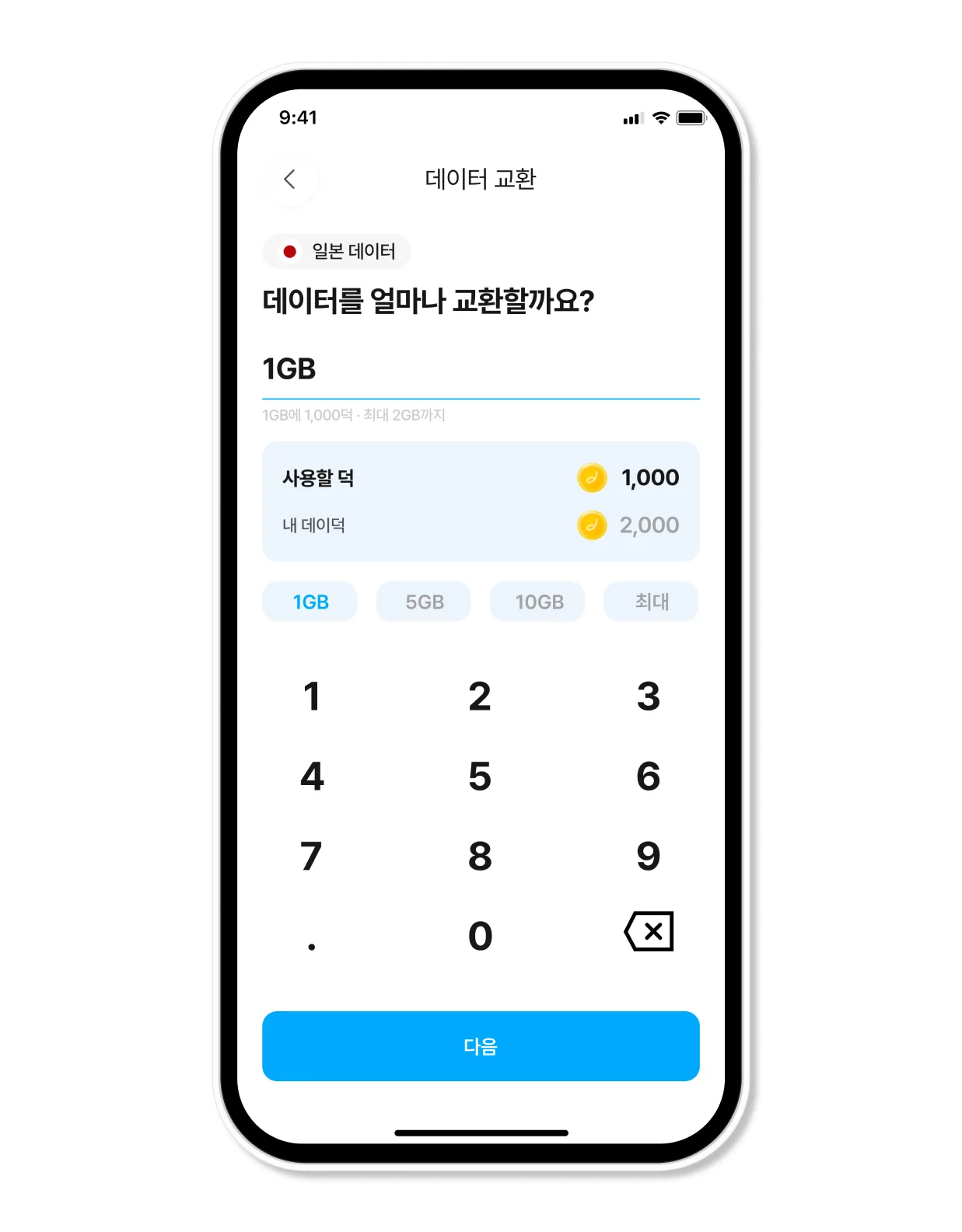
When you need data
Korea or abroad, pick the country and amount, then exchange points.
0GB


0GB
When you need data
Korea or abroad, pick the country and amount, then exchange points.
Choose a country and a data amount
Check the points required and the terms
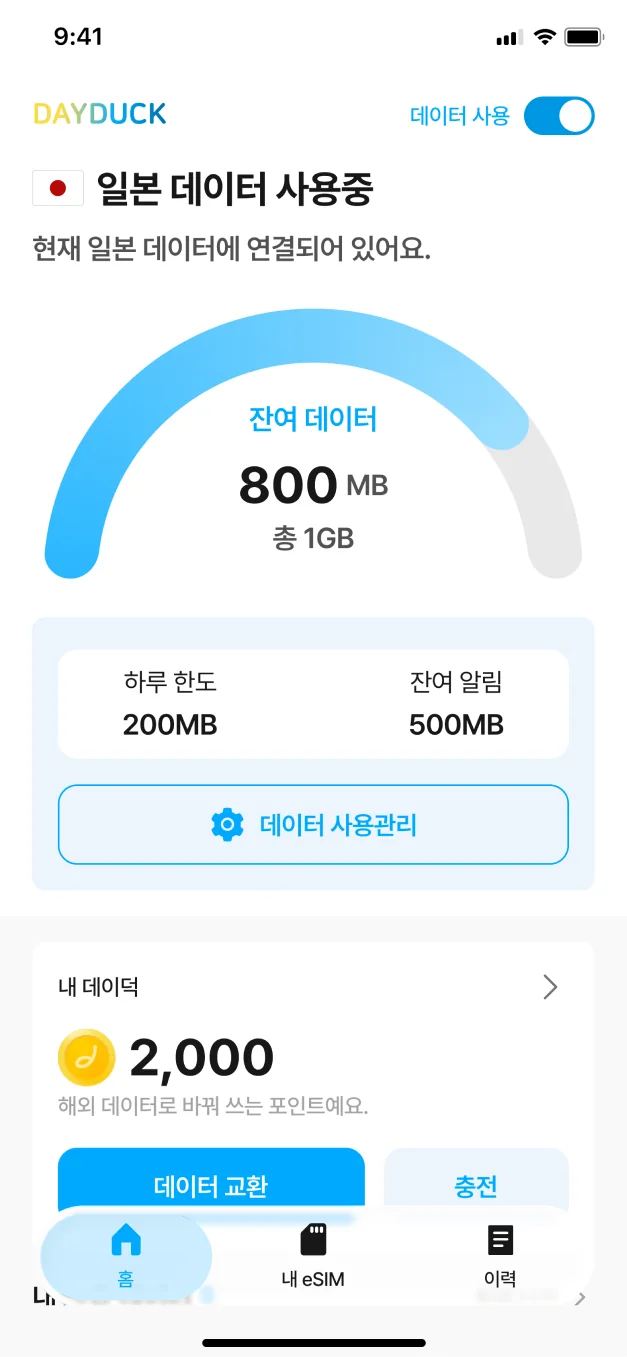
Wherever you use it
Check what's left and set the level that should notify you.
 Korea data
Daily usage limit
It pauses when today's usage hits the limit.
Low-data alert
We'll let you know when it reaches the level you set.
You can set up to 5.
2/5

DAYDUCK
(Today) 09:47
500 MB of data left!
Wherever you use it
Check what's left and set the level that should notify you.
DAYDUCK
(Today) 09:47
500 MB of data left!
Simple eSIM setup
Install it easily in the app.
No need to scan a QR code.



Installed
From home to travel
In Korea and overseas,
Exchange only the data for the country you need. No need to reinstall the eSIM.


After the trip too
Change the start date and keep using it on your next trip to the same country.
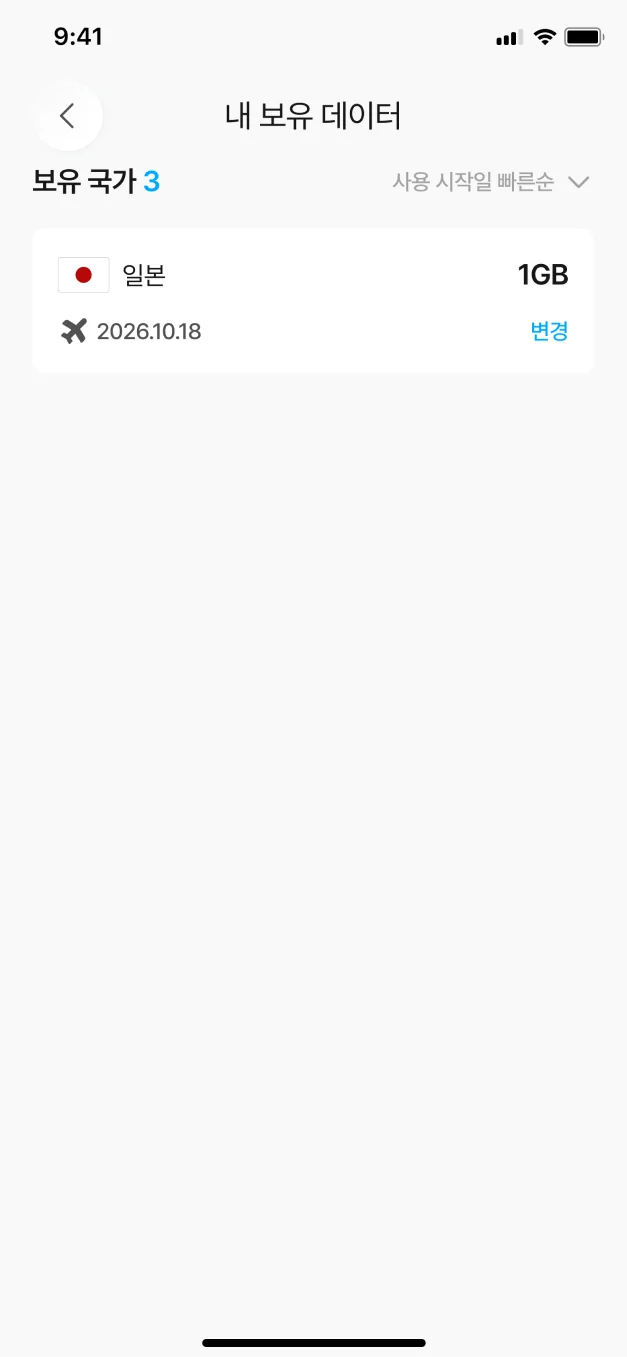

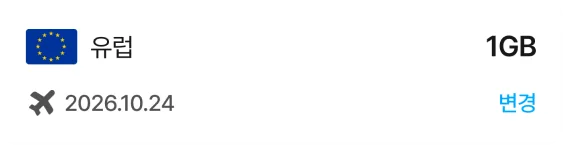
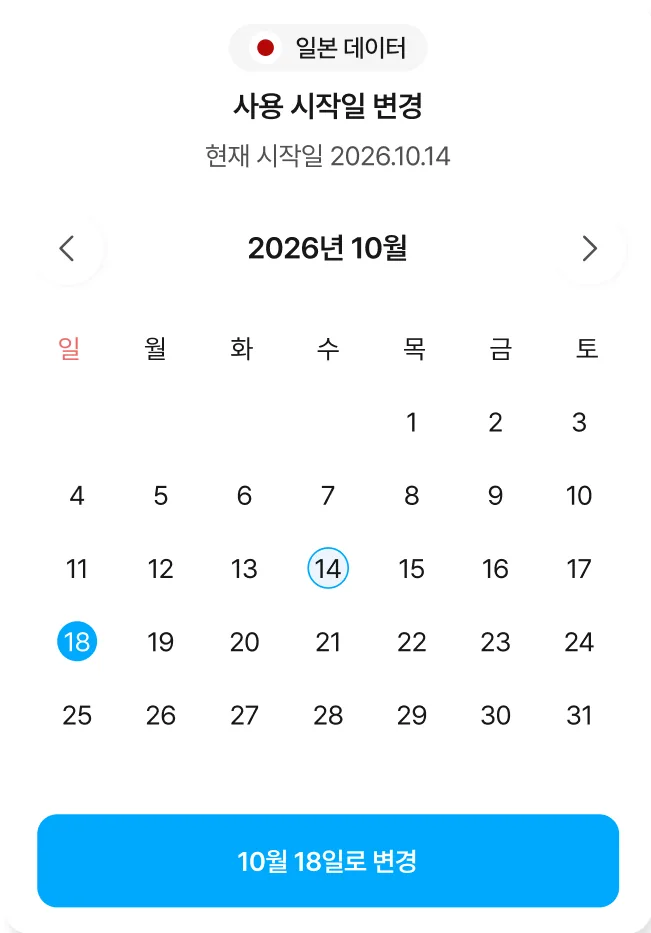



After the trip too
Change the start date and keep using it on your next trip to the same country.
F&Q
See the answers to common questions.See the answers to common questions.

Check that your mobile data line is set to the Dayduck eSIM.
If it still won't connect, join Wi-Fi and contact support with your phone model and a screenshot of the error.
Don't see your answer?
Leave your question with DAYDUCK support.

Use points from everyday life to get more data where you need it.